Beginner8 min read
Getting Started with Intarsia: A Beginner's Complete Guide
Read guide →
Transform photos into premium vector scroll saw stencils, bandsaw box templates, and intarsia blueprints. Shop curated woodworking plans, or design custom patterns locally using AI.
Every design is curated and hand-verified. You get clean PDF cut stencils, parts lists, assembly logs, and reference sheets.
Convert personal portraits or pet photos into woodworking segments locally. No data leaves your machine. Full privacy, zero fees.
Set real wood types (Pine, Cherry, Walnut) to preview grain alignment, shade matching, and texture heights before cutting.
Free PDF downloads, premium blueprints, and an AI generator — built for every level of woodworker.
Solid-wood mosaic patterns with piece-by-piece wood species guides, grain direction maps, and assembly instructions. Beginner to advanced.
Delicate fretwork, wildlife silhouettes, and ornate portrait blueprints. Optimized for #2–#9 blades on any variable-speed scroll saw.
Multi-drawer box plans with 3D block projections, kerf allowances, and step-by-step cutting sequences for any 14" bandsaw.
Upload any photo — the AI segments it into wood-species zones and outputs a ready-to-cut SVG. Runs 100% in your browser, zero uploads.
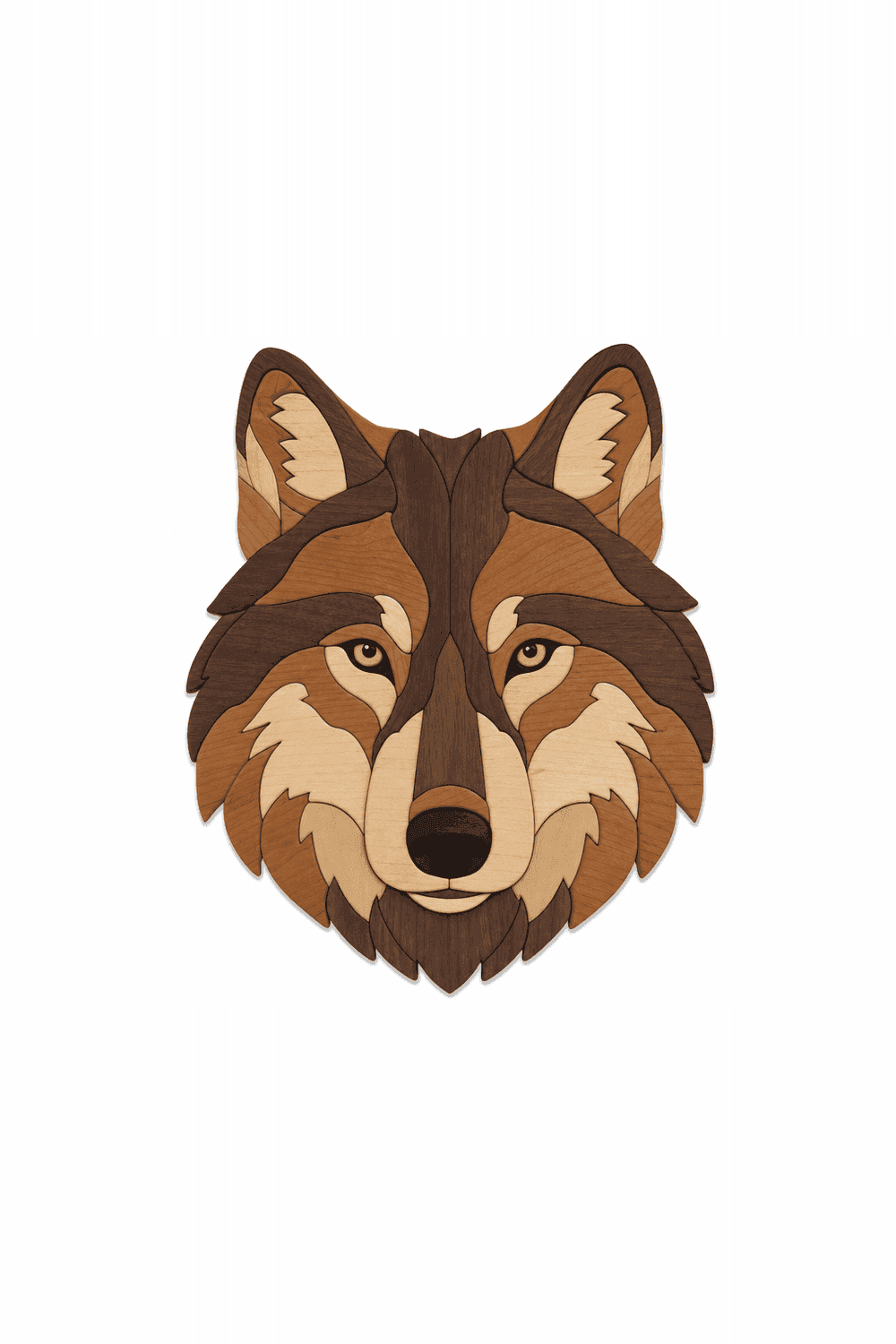
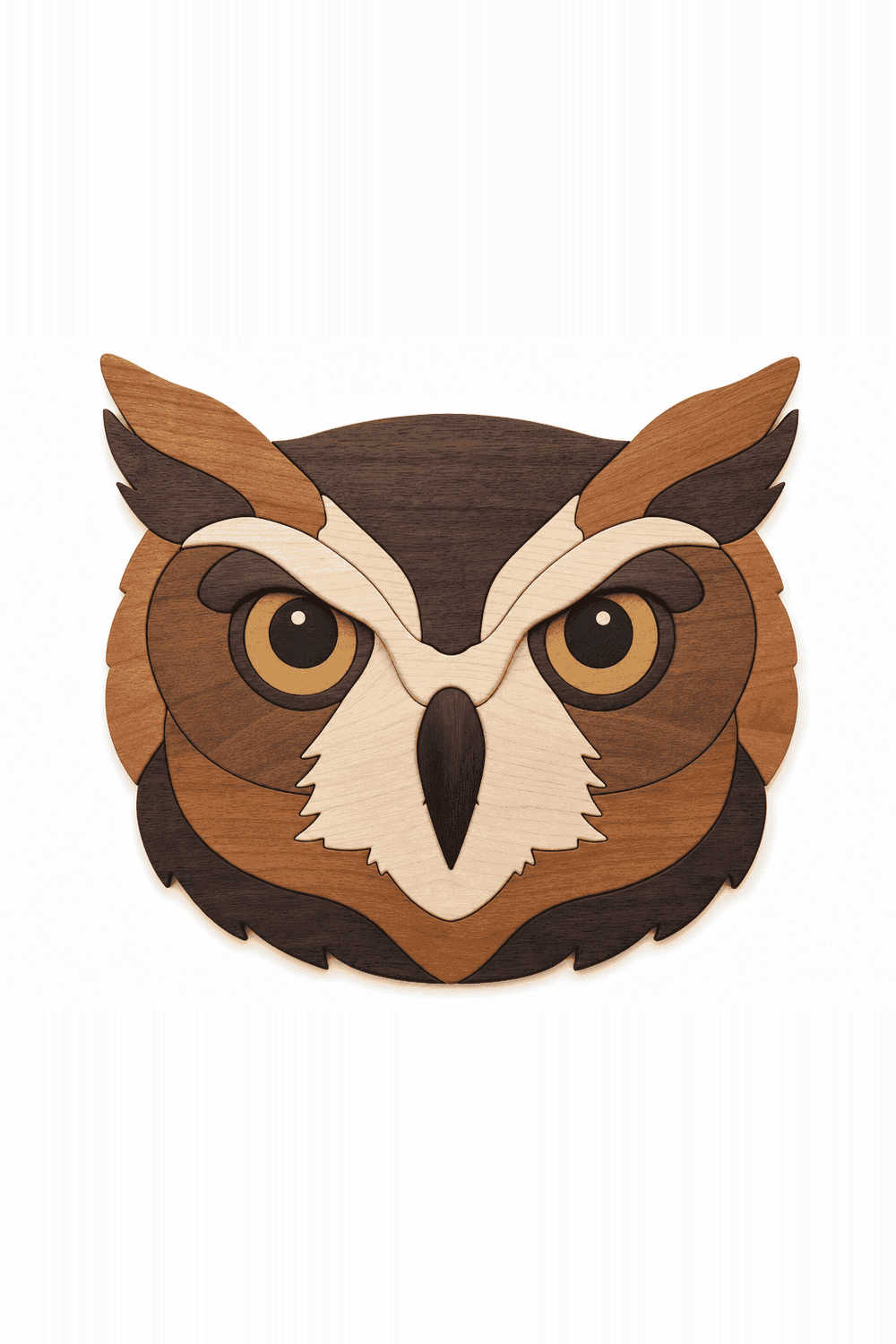
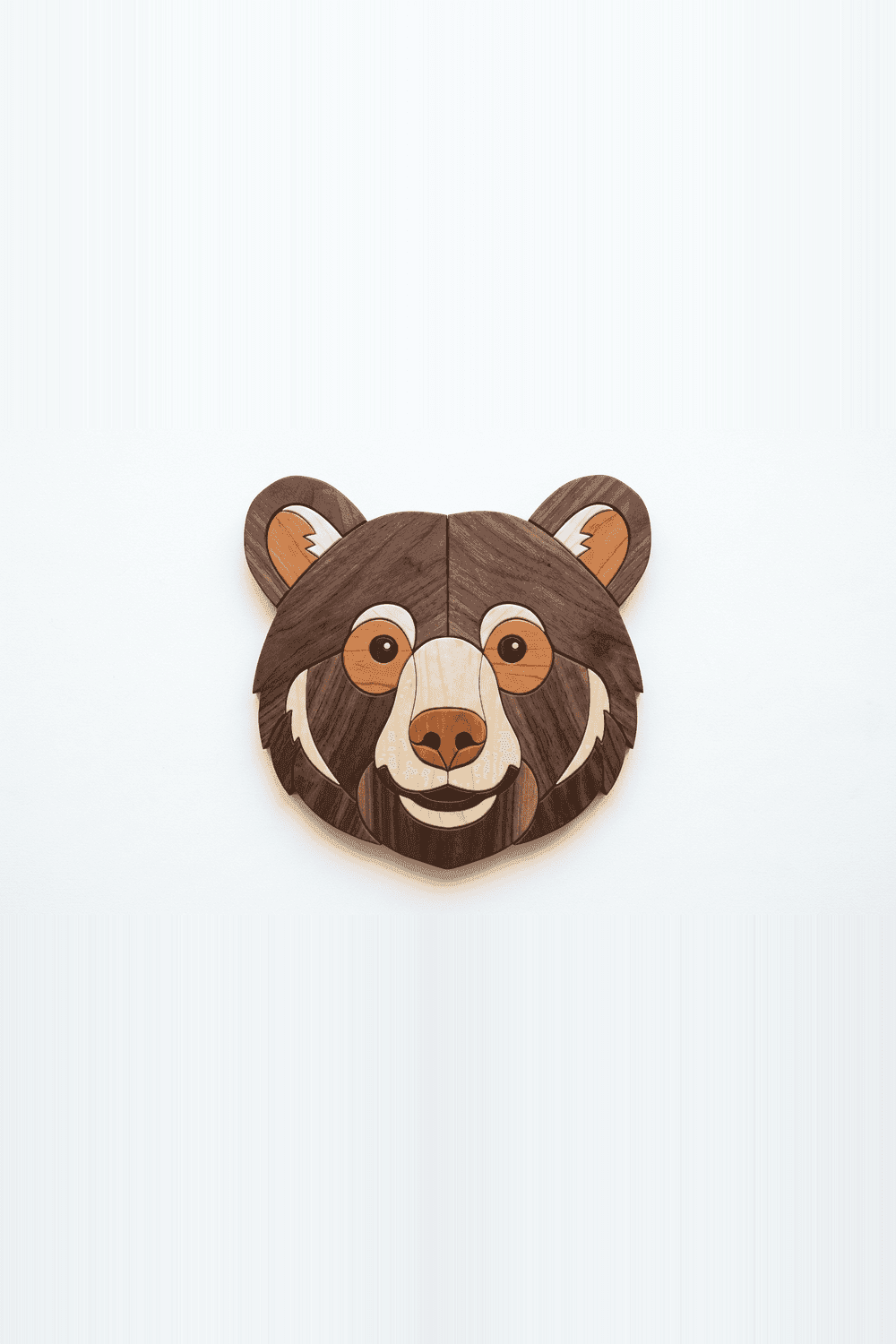
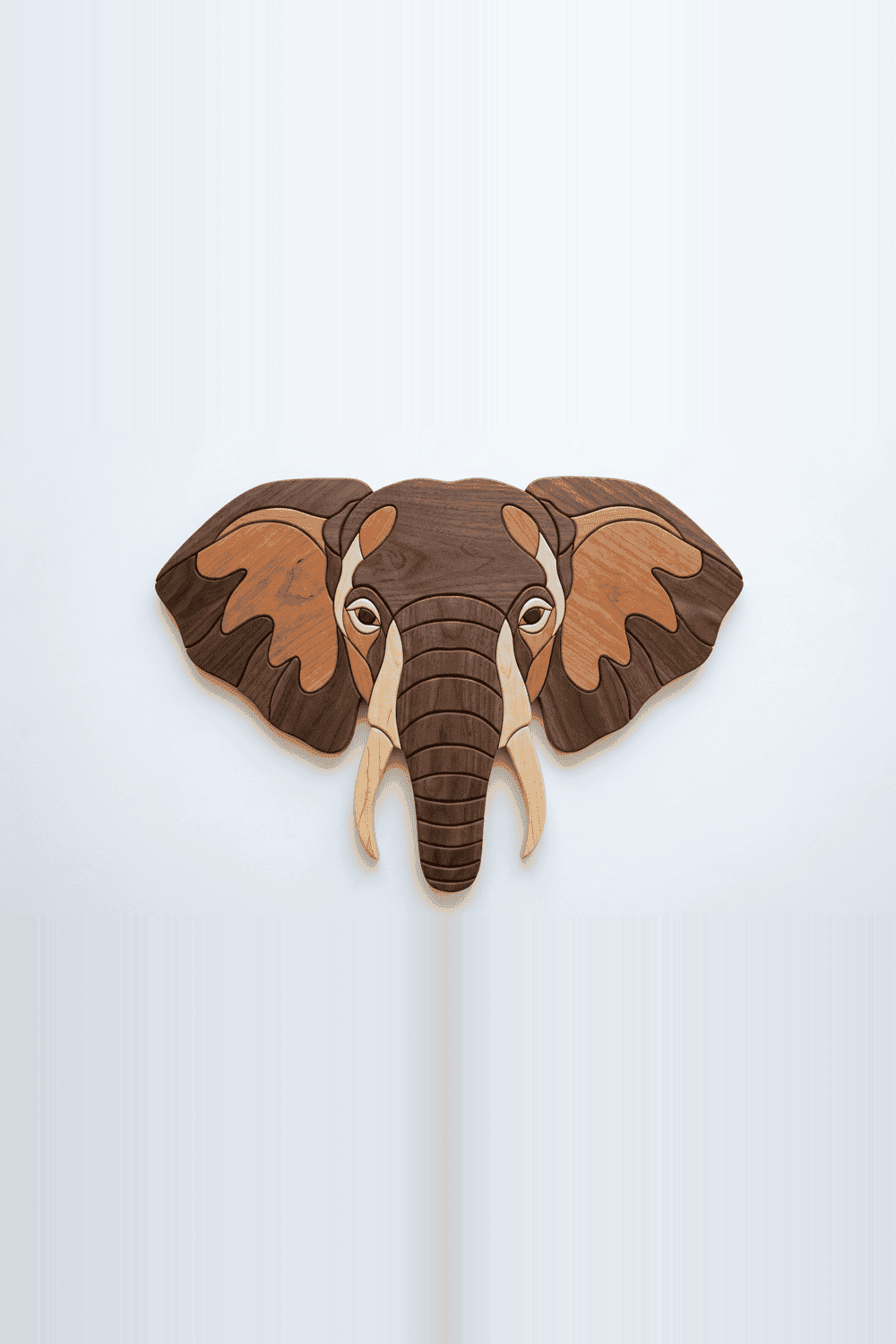
Bestselling wildlife & nature designs — each includes SVG + PDF files.
Select any image. The local web engine automatically simplifies the image structures into smooth color segments.
Choose lumber types for each color cluster. Visualize how natural grain direction fits your object boundaries.
Download high-precision SVG/PDF templates. Stick stencils directly onto your wood planks and start sawing.
Each woodworking technique creates a different result. Compare tools, materials, and difficulty to find the right craft for you.
Full-thickness solid wood pieces assembled at varying heights to create 3D mosaic wall art.
Thin wood veneers inlaid flush into a substrate surface to form flat decorative pictures or geometric motifs.
Intricate internal cuts produce lace-like patterns, silhouettes, and open-work designs from a single board.
A solid block is sliced on a bandsaw to carve an integral box shell plus drawers — all from one continuous grain block.
From first-time hobbyists to professional craftsmen — see what our community builds with these patterns.
"The intarsia patterns are incredibly detailed. Each PDF includes grain direction guides and a species map — I went from struggling with color placement to finishing a 40-piece eagle in a weekend."
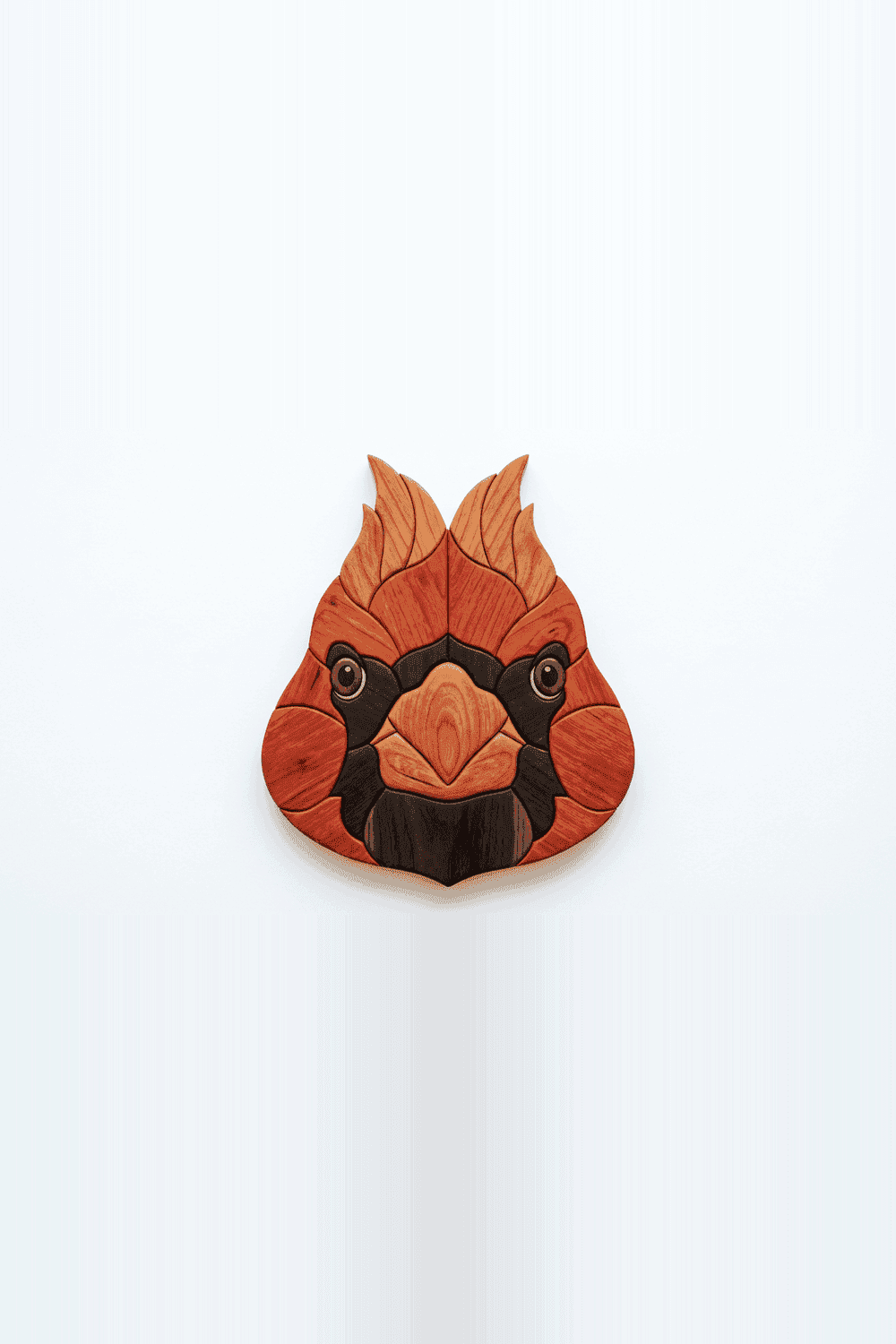
"I'd never used a scroll saw before finding this site. The beginner patterns with step-by-step assembly guides gave me the confidence to complete my first intarsia project — a cardinal that now hangs in my living room."
"The AI pattern generator is a game-changer. I upload client photos, tweak the wood zones, and export ready-to-cut SVGs in minutes. It used to take me hours to digitize a custom commission."
"Best free bandsaw box templates I've found online. The kerf allowances are accurate and the drawer fit is perfect every time. I've made six boxes as holiday gifts so far."
"The scroll saw fretwork patterns are outstanding. Clean vector paths, correct blade recommendations, and the PDFs print perfectly at scale on my 16" DeWalt. Top-notch resource."
"I was searching for free intarsia patterns for beginners and this was the best resource I found. The wood species guide helped me understand which timbers to buy locally."
In-depth articles on intarsia techniques, wood selection, scroll saw tips, and pattern design.
Wood selection dictates contrast, depth, and character.
Used for shadows, hair, and deep contrast boundaries.
Excellent mid-tone wood. Darkens beautifully with sunlight.
Perfect for bright highlights, snow caps, and white details.
Adds bold focal points like flowers, beaks, or sunset skies.
Wood finishes completely transform contrast and grain definition. Simulate different oils and coatings:
Choose the correct scroll saw blade or bandsaw width based on project thickness and cut radius:
| Material Thickness | Scroll Saw Blade | Bandsaw Blade | Ideal Project Types |
|---|---|---|---|
| 1/16" – 1/8" (Veneers) | #2/0 or #3/0 (Jewelers) | N/A (Too thin) | Delicate fretwork overlays, clock ornaments |
| 1/4" – 1/2" (Plies) | #2 or #3 Skip-tooth | 1/8" Fine-cut scroll | Intarsia segmentation, forest panels |
| 3/4" – 1" (Hardwood Boards) | #5 or #7 Double-tooth | 3/16" Template blade | General intarsia plaques, thick silhouettes |
| 2" – 4" (Lumber Blocks) | N/A (Too thick) | 1/4" or 3/8" Hook-tooth | 3D bandsaw boxes, animal figures |
Guides, techniques, and answers to the most common woodworking questions.
Intarsia is a woodworking technique that assembles multiple pieces of solid wood — each chosen for its natural color and grain — into a mosaic picture or pattern. Unlike painting or marquetry, intarsia uses full-thickness hardwood pieces (typically ¾") arranged at different heights to create genuine three-dimensional depth. The finished piece is mounted on a plywood backer and can be displayed as wall art or a decorative panel.
Starting with intarsia doesn't require expensive tools or exotic wood. Our beginner patterns use 15–25 pieces with simple convex curves — ideal for your first scroll saw project. Each free PDF pattern includes a full-scale printable template, a wood species assignment chart, and a suggested cut sequence. Browse our beginner collection to find wildlife, nature, and geometric designs sized for standard ¾" hardwood stock.
Browse beginner patterns →Our free AI Generator converts any photograph into a ready-to-cut intarsia pattern in seconds. Upload your image, choose 4–8 wood tones, and the tool performs color segmentation, maps each zone to a real hardwood species, and exports a vector SVG cutting guide — all running locally in your browser with zero uploads and complete privacy.
Try the AI Generator free →Our scroll saw library includes wildlife silhouettes, ornate fretwork clock faces, and forest scene panels. Every pattern is exported as a print-ready PDF with cut lines and a blade-size recommendation. Designs are tested on standard 16" variable-speed scroll saws and are compatible with any #2–#9 blade for ¼" to ¾" hardwood or plywood stock.
Browse scroll saw patterns →Bandsaw boxes are one of the most satisfying weekend workshop projects. Our free box templates include multi-drawer wave boxes, heart-shaped boxes with hidden compartments, and geometric slab boxes. Each plan includes a 3D projection diagram, kerf allowances for a standard 3/16" blade, and a glue-up sequence so drawers slide smoothly without binding.
Browse bandsaw box plans →Wood selection is the soul of intarsia. Light woods like Hard Maple and Holly serve as highlights; mid-tones like Wild Cherry and Butternut carry the main subject; dark woods like Black Walnut and Wenge define the shadows and outlines. Our complete wood species guide covers grain characteristics, hardness ratings, sourcing tips, and best-use recommendations for each species.
Read the wood species guide →Download free intarsia patterns, scroll saw stencils, and bandsaw box templates as print-ready PDF & SVG files. Or upload any photo to generate a custom woodworking pattern with our AI tool — runs entirely in your browser.